Skip to content
8bdk Mobile / Sports
LIVE LOBBY

8bdk — Live Casino, Slots and Cricket in One Lobby

Live dealer tables, slot rooms and cricket betting sit side by side in the 8bdk lobby, funded through Rocket, Upay or a direct Bank Transfer — so the gap between deciding to play and actually playing stays short. Access is subject to your local law and eligible regions.

bKash Nagad Rocket
Browse games
CONTENT / 01

Choose Your Session: Live Table or Slot Room

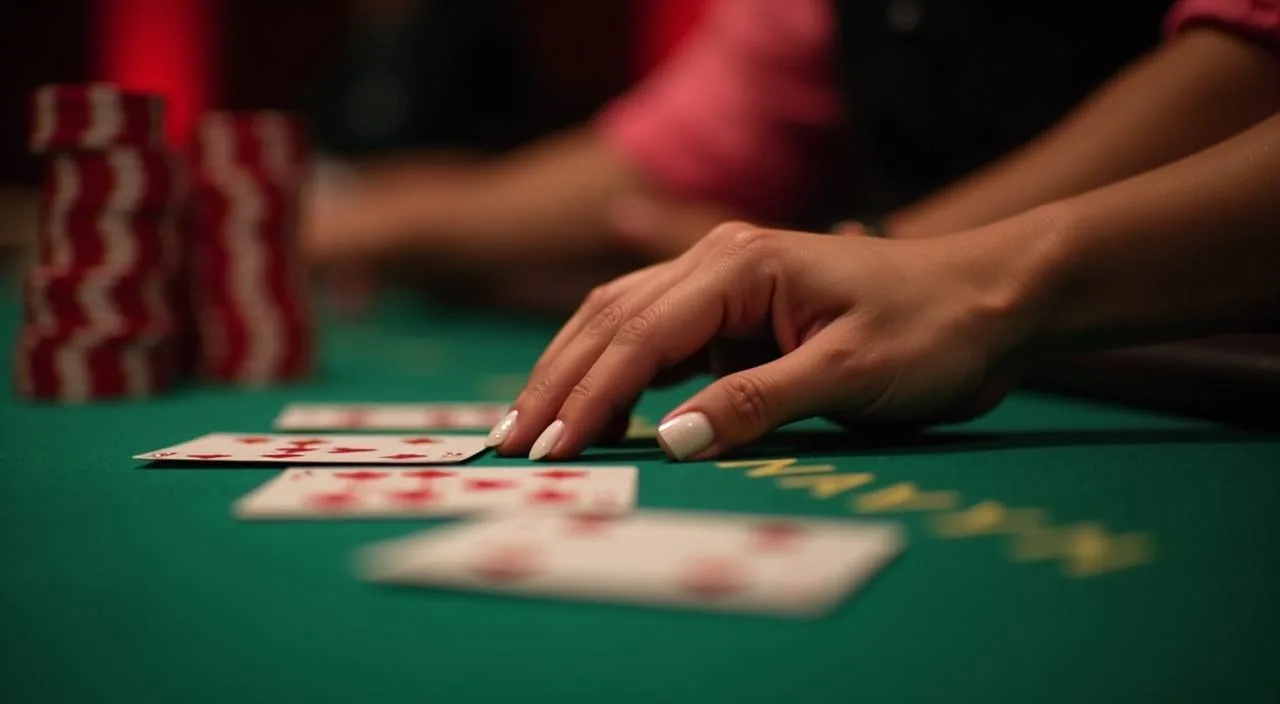
The core choice on 8bdk is straightforward: a live dealer table where a real dealer runs the game in real time, or a self-paced slot room where you control the speed. Live tables suit a longer, focused session — you join a table, the dealer deals, and the pace is set by the round. Slot rooms are different.

GAME NETWORK
Habanero
Pragmatic Play
Bigtime Gaming
Microgaming
CONTENT / 04

8bdk lobby studios

The 8bdk lobby carries content from Habanero, Pragmatic Play, Bigtime Gaming, Microgaming. To check the studio, rules or features of one specific game, open that game card or the published information panel.

  • Habanero

  • Pragmatic Play

  • Bigtime Gaming

  • Microgaming

DISCOVER / 01

Choose your game

Full lobby
TITLES WORTH OPENING

From Cricket WicketBets to Live Baccarat Royale

A few titles in the lobby are worth calling out by name because they reflect the range of what is available. Cricket WicketBets brings cricket-format betting mechanics into a game room format — relevant for Bangladesh players who follow BPL and international cricket and want that category available inside the casino lobby rather than only in the sportsbook.

  • Cricket WicketBets

    Cricket-format betting mechanics in a dedicated game room, relevant for BPL and international cricket followers. Available inside the casino lobby without switching to the sportsbook. RTP is shown on the game screen where the studio publishes it. Opens directly from the lobby once you are signed in.

  • Live Baccarat Royale

    A dealer-led live baccarat table where round pace is set by the game, not by you. Join an active table, follow the dealer, and your bet history is recorded in your account session. Part of the live casino section filtered directly from the lobby.

  • Crash SparkBurst

    A crash-format game where a multiplier climbs from the start of each round and you decide when to exit. Fast-cycle, self-paced, and available in the crash category of the lobby. No dealer involvement — your timing is the only variable in each round.

8BDK
Mobile casino lobby
Popular Live Slots
Cricket WicketBets Live Baccarat Royale Slot FlashFire
MOBILE LOBBY

Built for phones, clear on desktop

Cards, tables, FAQ and policy pages stay easy to read on smaller screens.

  • Quick categories
  • Mobile first
  • Access
App
CONTENT / 03

The Lobby Holds Steady Across Every Screen

8bdk is built to hold across devices without a separate download. The lobby, your account wallet, transaction history and live table access all load through the mobile browser — the same account you access on a desktop reconnects on your phone without a fresh login each time, as long as your session is active.

  • Browser-Based Access

    The full lobby — live tables, slots, crash games and sportsbook — loads in the mobile browser without a native app download. Android and iOS browsers both carry the complete session, and your account state persists across tabs so you do not lose your place between game switches.

  • Session Continuity

    Switch from mobile to desktop mid-session and your account reconnects without a repeat login while the session is active. Live table history, slot room position and wallet balance all carry across. The lobby does not reset your navigation state when you change devices.

  • Wallet in the Navigation Bar

    Your account balance is visible in the top navigation bar on every page of the lobby. Tap the wallet icon to see your available balance and recent deposits — including Rocket and Upay transactions — without leaving your current game or table view.

ACCOUNT DESK

Account information

Review current account information after signing in.

Login
LOCAL PAYMENTS

Rocket, Upay and Bank Transfer for Bangladesh Accounts

Deposits into your 8bdk account wallet are handled through three verified payment rails for Bangladesh: Rocket, Upay and Bank Transfer. Each method is listed in the cashier section of your account with the minimum deposit amount, any applicable field instructions, and the verification step required to complete the transaction.

  • Rocket

    Rocket is a mobile financial service widely used in Bangladesh. Deposits via Rocket are initiated inside the 8bdk cashier — enter the amount, follow the on-screen steps and confirm through the Rocket interface on your phone. The credited amount appears in your account wallet once the transaction completes.

  • Upay

    Upay is a Bangladesh mobile wallet option available in the 8bdk cashier. The deposit flow mirrors other mobile wallet methods: select Upay, enter the amount and follow the confirmation steps. Your account wallet reflects the deposit as soon as the payment is confirmed on the Upay side.

  • Bank Transfer

    Direct Bank Transfer is available for accounts that prefer not to use a mobile wallet. The cashier displays the receiving account details and a unique reference number — include this reference exactly as shown so the transfer is matched to your 8bdk account. Confirmation appears in wallet history once matched.

Banking
ACCOUNT PATH

From Registration to Your First Session on 8bdk

Opening an account on 8bdk follows a short sequence of steps, all handled through the browser on mobile or desktop. The registration form asks for your email address, a password and the basic account details required to create a wallet — the fields and any identity verification requirements are shown on the form itself, so follow the instructions as the

  1. Step 1 — Register

    Open the registration page and complete the form with your email, password and the account details shown. Identity verification requirements, if any, are listed on the form. Follow the on-screen instructions precisely — the fields tell you exactly what is needed.

  2. Step 2 — Deposit via Rocket, Upay or Bank Transfer

    Go to the cashier section once your account is confirmed. Choose Rocket, Upay or Bank Transfer and follow the steps shown for the method you select. The minimum deposit amount for each rail is displayed in the cashier before you commit to the transaction.

  3. Step 3 — Open the Lobby

    Once your deposit appears in your wallet balance, the full lobby is available. Filter by live casino, slots, crash or sportsbook from the category navigation. Your balance is shown in the navigation bar throughout your session so you can track it without leaving a game.

MEMBER DESK / 06

Offers, support and account controls

01

Game lobby

02

Payment guide

03

Support

ACCOUNT AND ACCESS

How 8bdk Handles Your Account and Access

Account access, wallet security and session management are handled through your signed-in account area. The controls available to you — session history, transaction records, account verification status — are all visible once you log in. Access to the 8bdk platform and its games depends on your local law and the eligible regions at the time you access the site; check the terms page for the current eligibility conditions.

  • Account Wallet Transparency

    Your wallet balance, pending deposits and transaction history are all listed in the account section. Deposits made via Rocket, Upay or Bank Transfer are recorded individually with the date, amount and status — confirmed or pending. If a transaction shows pending unexpectedly, the support route is the right first step. No balance information is hidden from your account view.

  • Session History in the Account Area

    Every game session — live table rounds, slot room activity, crash game rounds — is recorded in your account history. You can review past sessions by date to see what was played and what the outcome was. This record is available any time you are signed in. It does not require a support request to access; it is part of the standard account navigation.

  • Access Subject to Local Law

    Access to 8bdk and its games depends on your local law and the eligible regions at the time you visit. The terms page published on this site sets out the current eligibility conditions. We do not make guarantees about access in any specific jurisdiction. If you are uncertain whether access is permitted in your region, review the terms before registering.

  • Verification and Account Security

    Account verification requirements are shown during registration and, if additional steps are needed, in your account settings. Identity verification protects your wallet and ensures withdrawals are processed to the correct account holder. The exact fields and documents required are listed in the verification section of your account — follow the instructions shown there rather than relying on external sources.

ACCOUNT HELP ROUTES

How to Reach Support for Your 8bdk Account

Support for account questions, payment issues and access problems is available through the help routes listed in this section. For deposit and withdrawal questions, having your transaction reference ready — visible in your account wallet history — speeds up the resolution. Account access issues, including login problems and verification queries, are also handled through these routes.

  • Live Chat

    The live chat route is accessible from the support icon in the lobby navigation bar. It connects you to the account help team for questions about deposits, withdrawals, account verification and session access. For payment queries, have your Rocket, Upay or Bank Transfer reference number ready from your account wallet history before starting the chat.

  • Email Support

    Email support handles account queries that need a documented response — identity verification questions, transaction disputes or account-status questions. Send your query from the email address registered to your 8bdk account so the team can match it to your record. Response times are not guaranteed; check your registered inbox including the spam folder for a reply.

  • Help Centre

    The help centre on the 8bdk site covers the most common account and payment questions in a searchable format. Topics include how to complete a Rocket or Upay deposit, how to read your wallet transaction history, and how to update your account verification documents. Check the help centre before raising a support ticket — many questions are answered there without a wait.

PLAYER INDEX / 07

Quick Reference for the 8bdk Lobby

These short definitions cover the terms and labels you will see inside the 8bdk lobby and account area. If something on a page is not covered here, the help centre or live chat is the right next step.

Player guide and glossary
  • What does 'live casino' mean in the lobby?

    Live casino refers to game tables where a real dealer runs the session via a video stream. You place bets on your screen and the dealer performs the physical actions — dealing cards in Live Baccarat Royale, for example. The round pace is set by the table clock, not by you. Live casino tables appear under the Live Casino filter in the 8bdk lobby.

  • What is the difference between RNG slots and crash games?

    RNG slots use a random number generator to determine each spin outcome independently. Crash games like Crash SparkBurst use a multiplier that rises from the start of a round — you decide when to exit, and the round ends when the multiplier stops. Both are self-paced but the decision structure is different: slots resolve automatically, crash games require a manual cash-out action.

  • What does 'pending' mean in my wallet?

    A pending status in your 8bdk wallet means the payment has been initiated but has not yet been confirmed and applied to your available balance. This can occur with Bank Transfer deposits that are waiting to be matched via the reference number. Once confirmed, the amount moves to your available balance. If a deposit stays pending longer than expected, contact support with the transaction reference from your wallet history.

  • What is a session reference?

    A session reference is the unique identifier assigned to each game session in your account history. It records the game played, the date and the session outcome as reported by the studio. If you need to raise a query about a specific round, the session reference helps the support team locate the record quickly. It is visible in the account history section when you are signed in.

  • What does RTP mean on a game screen?

    RTP stands for Return to Player and is a percentage published by the game studio that describes the theoretical average return across a large number of rounds. On 8bdk, RTP figures are shown on the individual game screen only where the studio has chosen to publish them — we do not display figures the provider has not released and we do not use made-up percentages.

  • What is the sportsbook category in the lobby?

    The sportsbook is the section of the 8bdk lobby where you can place bets on sports markets, with cricket at the front of the category list. This includes BPL matches and international cricket fixtures when they are available. The sportsbook is a separate category from live casino and slots but sits under the same account and wallet, so you do not need to move funds between sections.

Full glossary
LOBBY / 02

One mobile lobby, distinct game areas

Cricket WicketBets Sports Cricket WicketBets Access → Live Baccarat Royale Live Live Baccarat Royale Access → Slot FlashFire Slots Slot FlashFire Access → Football BetMarket Sports Football BetMarket Access → Crash SparkBurst Slots Crash SparkBurst Access → Royal Mango Reels Slots Royal Mango Reels Access →
EXPLORE FURTHER / 04

Explore detailed guides

Local lobby check

QUICK ANSWERS

Frequently asked questions

These are the questions our account holders ask most often about registration, deposits, withdrawals and session access. For anything not covered here, the live chat and help centre are both accessible from the lobby navigation.

Read FAQ →
How do I deposit using Rocket on 8bdk?

Go to the cashier section in your signed-in account, select Rocket as the deposit method and enter the amount you want to add. The cashier will display the next steps, which you confirm through the Rocket interface on your phone.

Can I use Upay to deposit and withdraw on the same account?

Yes — Upay is available for both deposits and withdrawals on 8bdk. The deposit flow is initiated through the cashier section; the withdrawal flow uses the same method in reverse, with the amount sent back to the Upay account linked at the time of the transaction.

What do I do if my Bank Transfer deposit has not appeared in my wallet?

Bank Transfer deposits are matched to your account using the reference number shown in the cashier at the time of the transfer. If the deposit is not showing in your wallet after a reasonable period, check that the reference number was included exactly as shown.

Does 8bdk work on mobile without downloading an app?

Yes. The full 8bdk lobby — live casino tables, slots, crash games and the sportsbook — loads in the mobile browser without a separate download. Android and iOS browsers both carry the complete session. Your account, wallet balance and game history are all accessible through the browser version. If a session is active, switching between mobile and desktop keeps the session state without requiring a fresh login.

How do I check my transaction history on 8bdk?

Sign in to your account and navigate to the wallet or account history section — the exact label depends on which part of the navigation you use. Every deposit, withdrawal and game session is listed there with the date, amount, method and status.

Is 8bdk available to players in Bangladesh?

Access to 8bdk depends on your local law and the eligible regions at the time you visit the site. Bangladesh players can register and deposit using Rocket, Upay and Bank Transfer where access is permitted under local law. We do not make guarantees about access in any specific jurisdiction. Review the terms page on this site for the current eligibility conditions before registering an account.

What should I do if I cannot log in to my account?

If you cannot log in, first check that you are using the email address and password registered to your 8bdk account. Use the password reset option on the login page if needed — the reset link is sent to your registered email.

Where can I find the studios and games available in the 8bdk lobby?

The 8bdk lobby carries game content from Habanero, Pragmatic Play, Bigtime Gaming and Microgaming. You can browse by studio or filter by game type — live casino, slots, crash or table games — using the filters in the lobby navigation.

READY WHEN YOU ARE

8bdk game lobby

Access may be available only where local law permits.

Register Login